

We accept orders on the website.
Step 1: Add products you need to the shopping cart

Then enter your cart
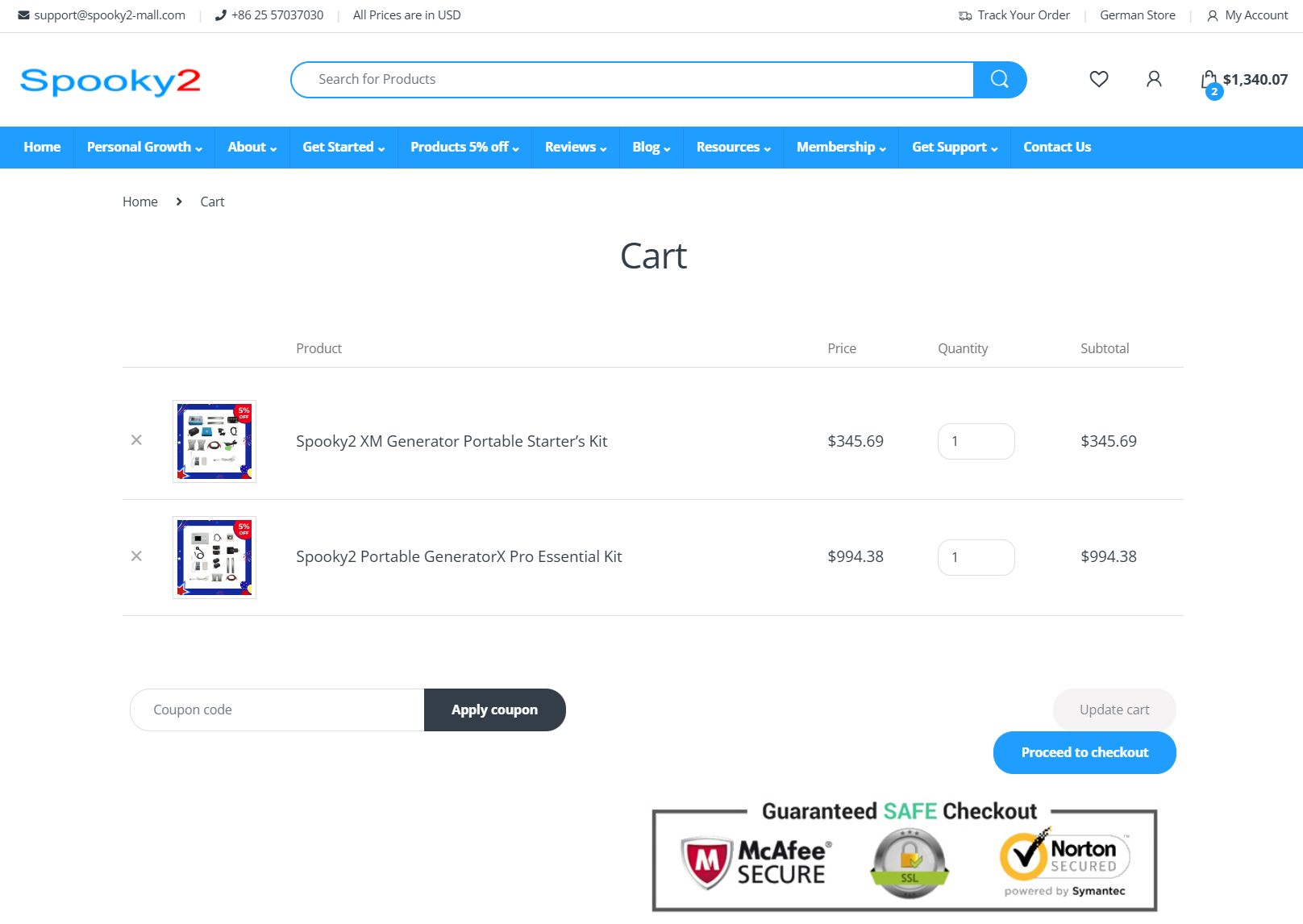
Step 2: Proceed to Checkout
As an existing Spooky2 user, you can log in first to check out conveniently.
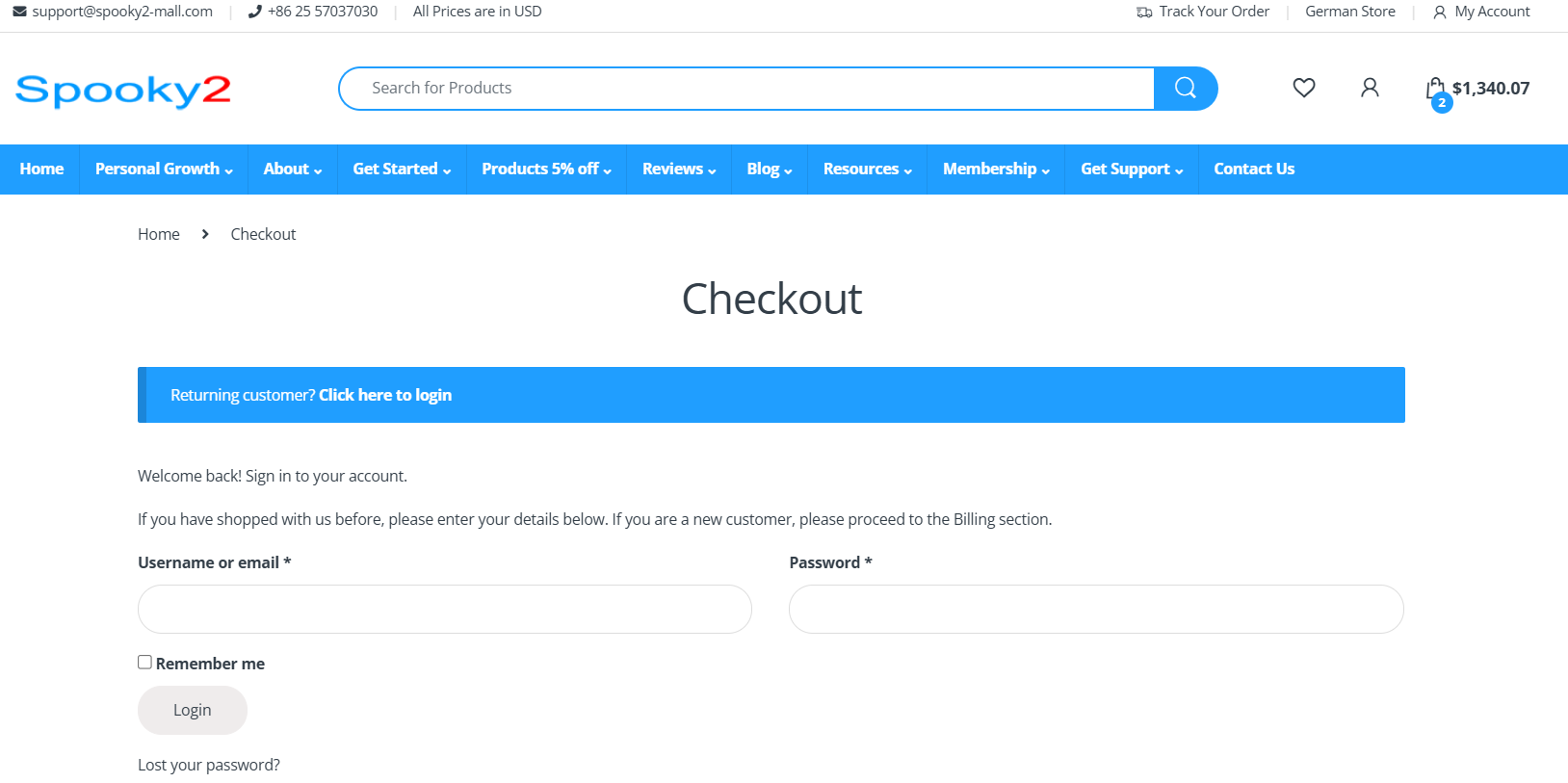
If you can not log in, there are two types of conditions:
1. Your password is wrong, please click “Lost your password?” to create a new password.

2. You don’t have an account on our website, because you chose to check out as a guest before.
Please note that Spooky2 forum account cannot be used on this website.
As a new Spooky2 user, you can choose to create a new account or check out as a guest.
Register with us for future convenience:
1. Fast and easy checkout
2. View your recent orders, manage your shipping and billing addresses, and edit your password and account details
Step 3: Edit Billing Details

Note: You can tick “Create an account” in this box to create a new Spooky2 user account.

Step 4: Edit Shipping Details
If your shipping address is the same as the billing address, you can add notes about your order here, e.g., special notes for delivery.
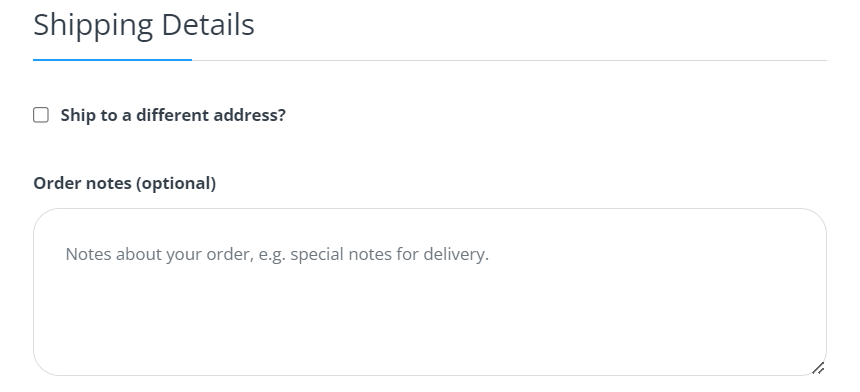
If your shipping address differs from your billing address, please tick “Ship to a different address?” to edit your shipping information.

Step 5: Order Review
Please tick “I have read and agree to the website terms and conditions” to proceed with the payment.

Step 6: Payment
You can pay via your Credit/Debit Cards. If you need other payment methods or installment methods, please contact customer service at [email protected].
⚠️ If you choose to pay by bank transfer, please contact Customer Service first to confirm the correct bank account information. This helps avoid any transfer errors or delays in processing your order. Thank you.
