
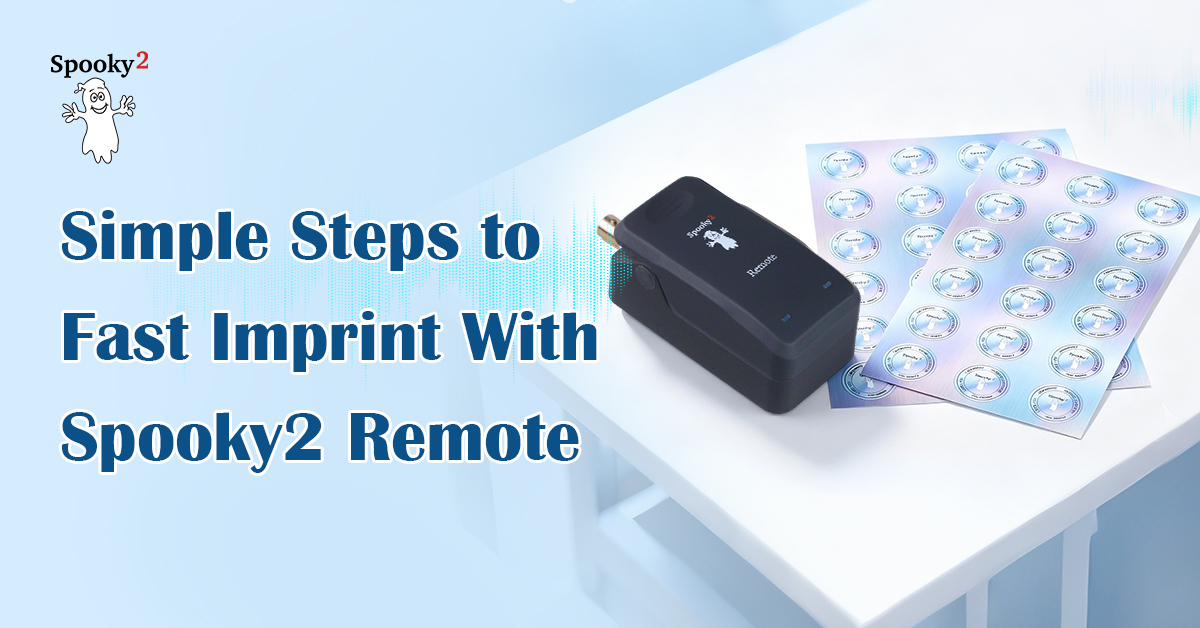
Spooky2 imprinting makes it easy to transfer your frequency programs onto physical objects like water, essential oils, and holographic stickers. If you want to take your frequencies on the go, making imprinted stickers with the Spooky2 Remote is one of the easiest and most effective ways to do it. Simply wear the sticker to experience the benefits anywhere, anytime. While we’ve previously introduced different imprinting modes (full article here), this guide introduces a fast, streamlined method shared by our forum members.
Step-By-Step Operation
Hardware Preparation
- Connect a Spooky2 Remote to your generator via Spooky2 Boost’s BN port.
- Connect the generator to your computer.
- Turn on the generator and launch the Spooky2 software.
- Clear any existing information on the holographic sticker with a strong magnet, then place the sticker in the Spooky2 Remote.
Imprinting
- Choose your preset or shell preset in the Presets tab. You can use a dual preset to shorten the imprinting process. If you have an empty shell preset, you must go to the Programs tab to manually select and load your programs.
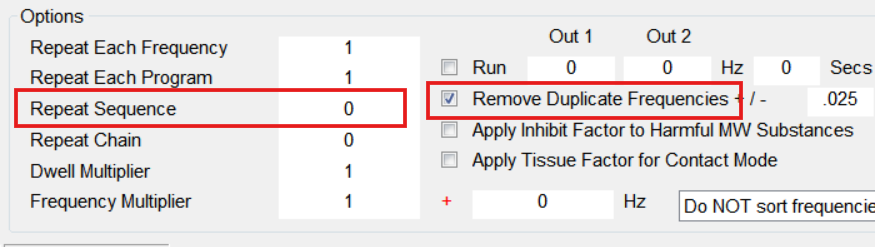
- Go to Programs tab. In the Options section, set Repeat Sequence=0 to allow the preset to loop and tick the “Remove Duplicate Frequencies” option. You can leave the Dwell Multiplier at the default value (1), which allows each frequency to be broadcast for 180 seconds. Alternatively, you can set the value to .5 to halve the dwell time.
- Go to Control tab. Tick “Overwrite Generator” and click on the corresponding port number. Click the Start button to begin imprinting.
- Let the programs run for one cycle or more. Make sure to go through all loaded frequencies.
- When the imprinting cycle finishes, you must take out the sticker from the Remote BEFORE you stop the generator.
Notes
- More isn’t necessarily better. It is recommended to imprint no more than 250 frequencies per holographic sticker. If you have one preset, the Steps value in the Control tab indicates the total number of frequencies. You can experiment and see what exact amount works best for you.
- Imprinted frequencies are not broadcast sequentially as with a generator. All frequencies are broadcast simultaneously. And imprinting is therefore the recommended method to apply RRM/RRMD frequencies.
- It is recommended to imprint healing and killing programs to different stickers.
- Imprinted stickers can deteriorate or get erased if exposed to heat, sunlight, magnets, strong EMF, X-ray,etc. To properly store the imprinted stickers, keep them away from the mentioned sources. It is also important to keep the stickers away from Plasma or Scalar field and not to stack different stickers without protection. You can wrap each sticker up with tin foils.
- To erase an imprinted sticker, you can swipe a magnet over the sticker a few times or let the sticker sit between two magnets for a few seconds.
Real Results from Real Users
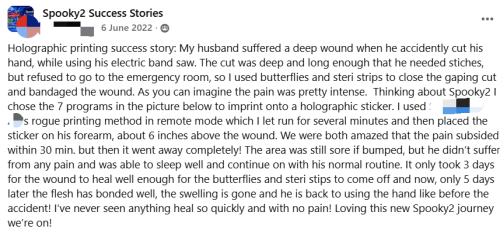
Source: https://www.facebook.com/groups/spooky2success/posts/2068385160015754
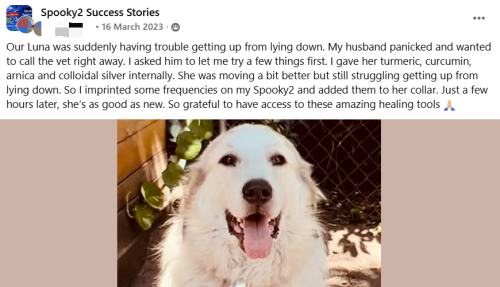
Source: https://www.facebook.com/groups/spooky2success/posts/2296342820553319
We invite you to join the Spooky2 Rife for Life Facebook community, where you can get community support, share your experience and learn valuable insights from fellow users.