

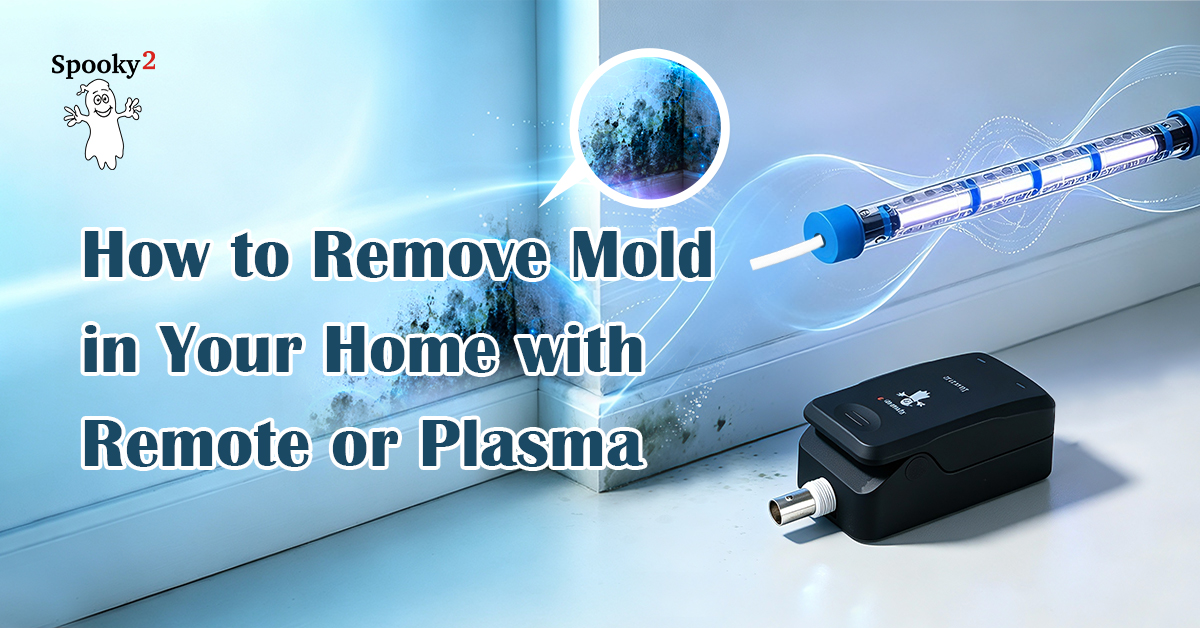
Removing Mold with Spooky2 Remote
Spooky2 Remote allows you to run mold-related frequencies continuously using samples collected from your home. This approach can be especially convenient if you don’t own more advanced equipment or simply want a method that fits into your daily routine with minimal disruption.
Step 1: Sample Collection
Use a cotton swab or sticky paper tape to collect mold samples from the affected areas in your home.
Step 2: Hardware Connection
Put the samples in the Spooky2 Remote, then connect the Spooky2 Remote to your generator via the Spooky2 Boost.
Step 3: Load and Run
Launch the Spooky2 software. In the Presets tab, you can find relevant presets in >Environmental>Remote. These presets can be used individually or chained together for continuous looping. Note that more established or deeply embedded mold growth may take longer to show visible changes.

Removing Mold with Spooky2 Plasma
Frequency sweeping with Spooky2 Plasma offers a more intensive approach for mold removal. There’s no need to collect mold samples by hand. Simply place the Plasma tube near the affected areas. For broader coverage, the Straight Tube is recommended.
Step 1: Set Up Your Plasma Unit
Connect a Straight Plasma tube to the Spooky2 Central, then place the tube near the affected area. The 6-inch near-field has the most concentrated power, whereas the farther-away far-field can still work for home mold removal. You can find more detailed test cases in this post.
Step 2: Load and Run
Launch the Spooky2 software. In the Presets tab, go to >Environmental>Plasma, and select Mold and Slime 2 Day Home Treatment (P) – JW. Note that this is a frequency sweep preset that lasts for approximately two days. Larger areas may require multiple sessions. You can target one section at a time.
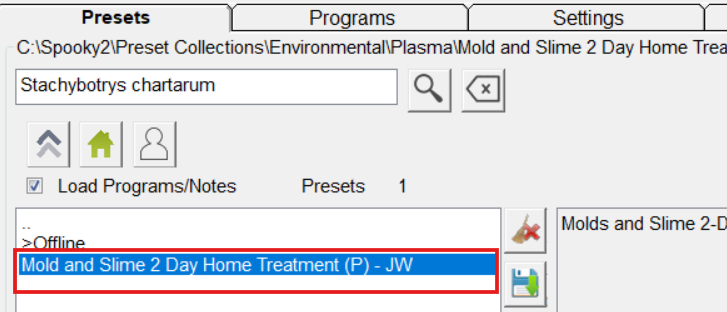
Alternatively, you can use the non-sweep approach GX Offline Mold 2 Day Home Treatment (P) – JW.
-
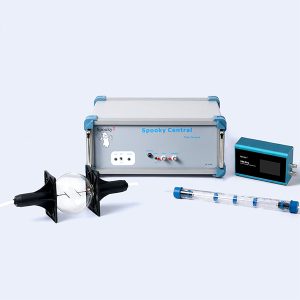
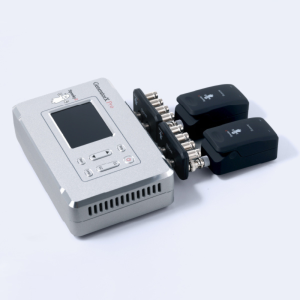
Spooky2 Central Plasma Single Generator Kit
Price range: $1,725.00 through $2,144.00 This product has multiple variants. The options may be chosen on the product page -
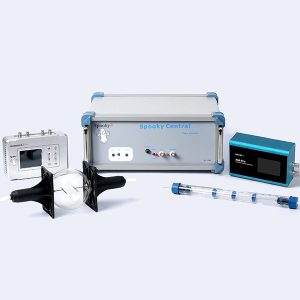
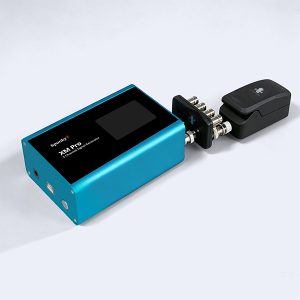
Spooky2 Portable Central Plasma GeneratorX Pro Kit
Price range: $2,828.38 through $3,128.38 This product has multiple variants. The options may be chosen on the product page
-
Spooky2 Central Plasma Single Generator Kit
Price range: $1,725.00 through $2,144.00 This product has multiple variants. The options may be chosen on the product page -
Spooky2 Portable Central Plasma GeneratorX Pro Kit
Price range: $2,828.38 through $3,128.38 This product has multiple variants. The options may be chosen on the product page

This seems so simple. Im so excited to try it, just one idea if you are open to it. Wouldn’t it be wiser to put the cotton with the collected mold in between the sticky round tabs so as not to contaminate the remote for future needs?
Thanks for answering my comment, a newbie,
Leslee
Hi Leslee. Yes, it’s fine to include the cotton in your wrapped samples, as long as the Remote clip can still close properly.