


Simple Desktop Setups for Beginners (1–2 Generators)
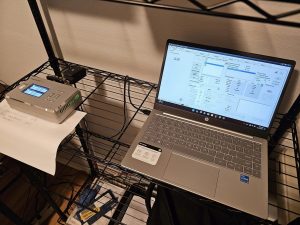
Most new users start small—just one GeneratorX Pro or a couple of XMs. The cleanest setups usually include:
- A minimalist desk or small shelf
- Cables hidden behind the desk
- A small bookcase or laptop stand to elevate the generator
- A dedicated area for the Remote box
This keeps everything tidy while keeping your first generators within easy reach.
Multi-Generator Setups: Avoiding Cable Chaos
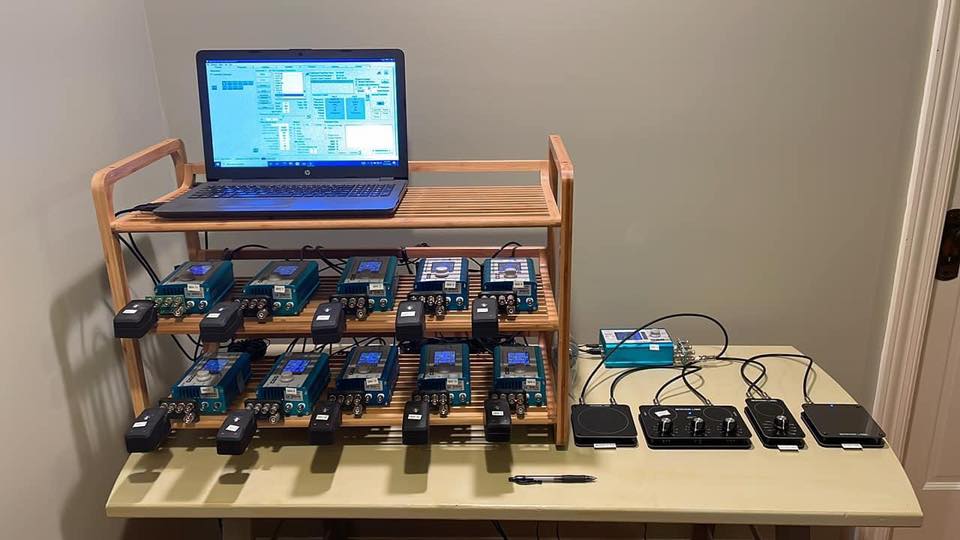
As users add more generators, cable organization becomes essential. Here are the most effective strategies shared by long-term users:
- Rear-side cable routing: Run all cables behind your desk or shelf.
- Velcro straps (must-have): Bundle cables and attach them to the frame so nothing hangs loosely.
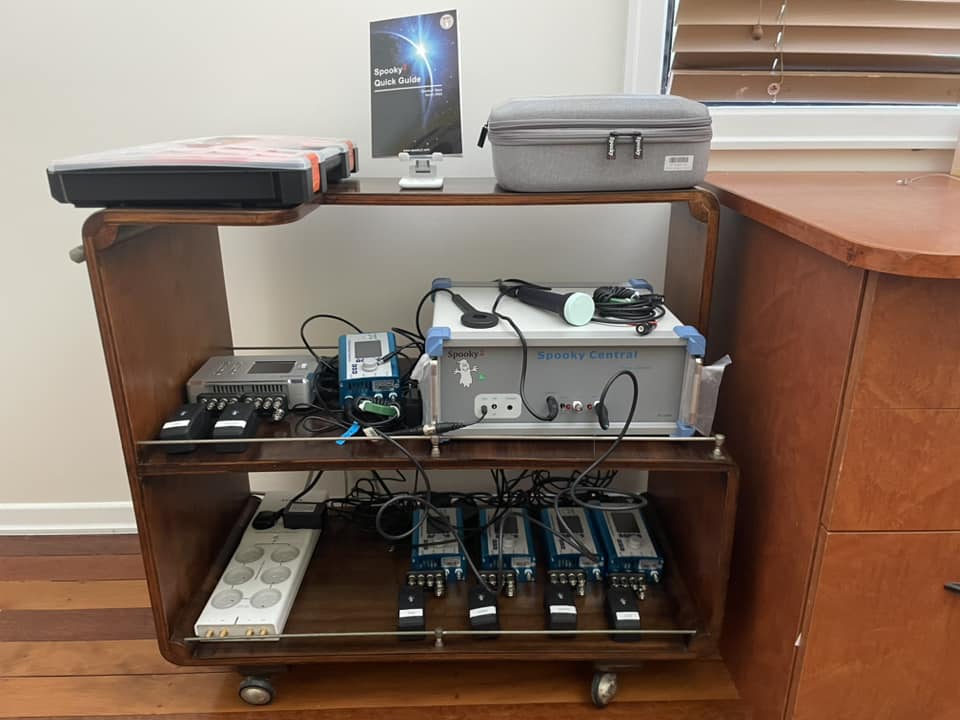
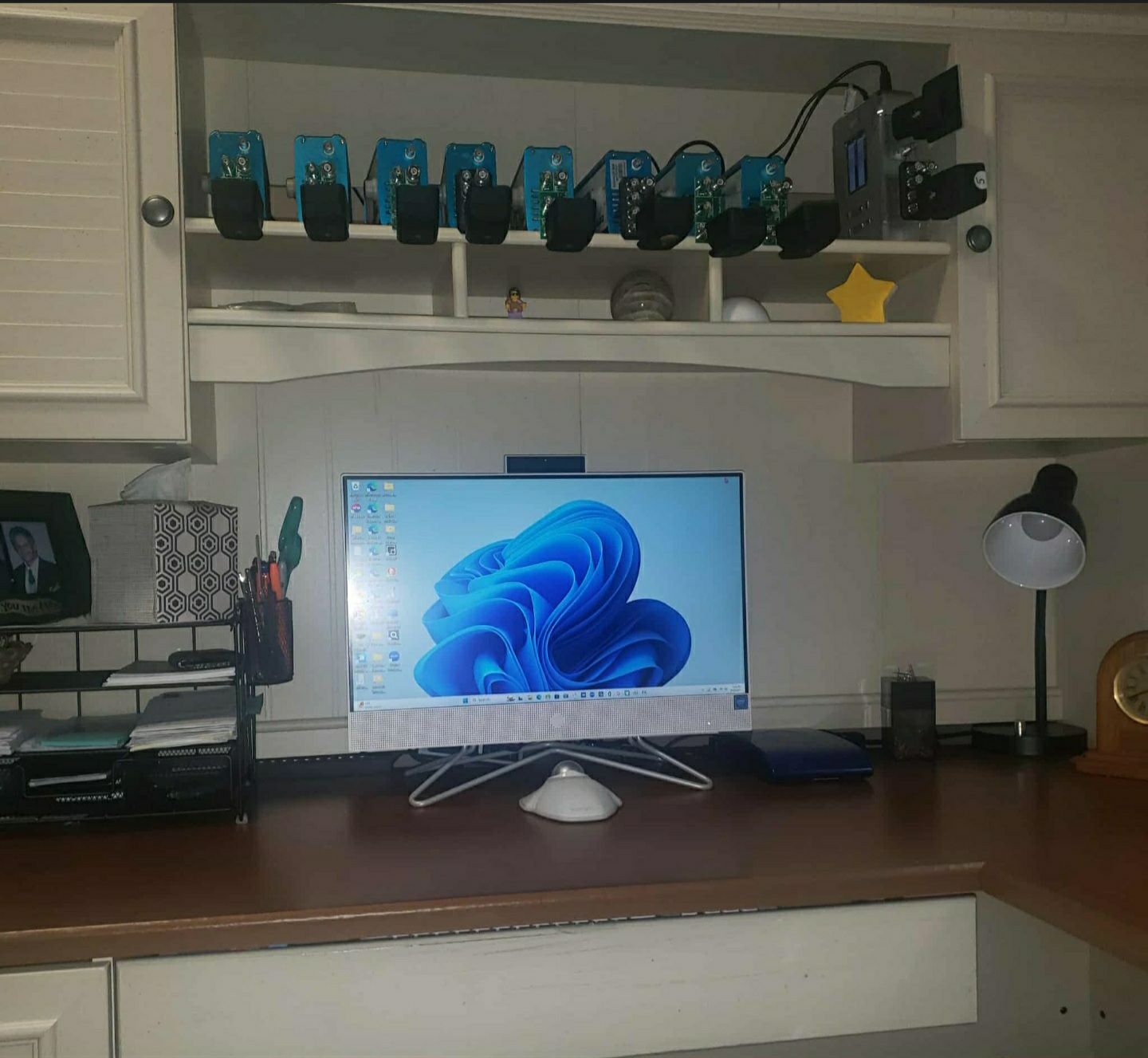
- Layered shelving:
- Top shelf: Generators
- Middle shelf: Computer
- Bottom shelf: Power supply, remotes, accessories
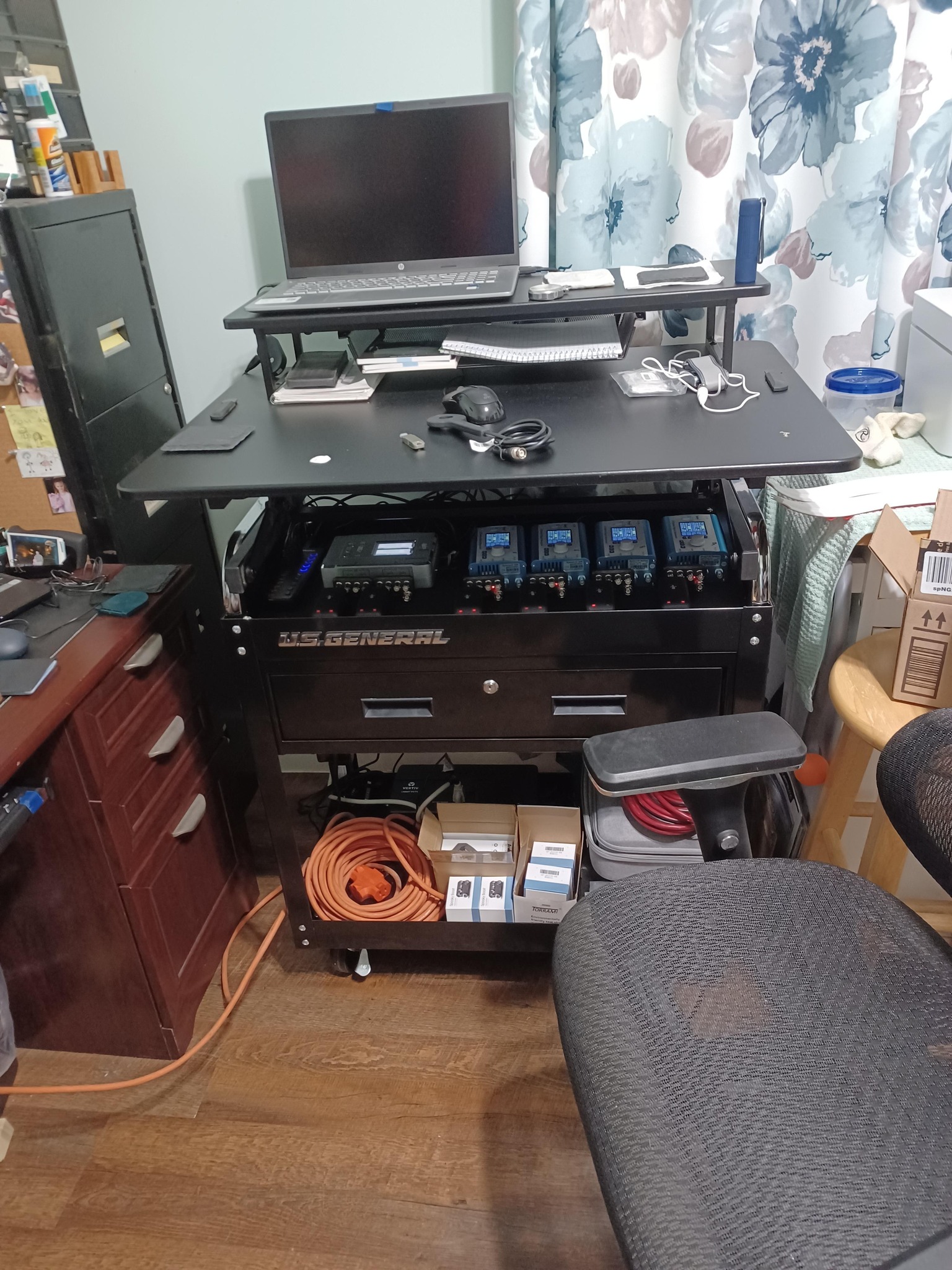
- Rolling or sliding desks: Some users install sliding rails under their desks so they can pull everything out to add new generators.
- Under-desk power station: A mounted surge protector keeps plugs organized and safe.
These simple practices transform even large multi-Gen setups into clean, professional stations.
Plasma & Central Setup Without the Mess
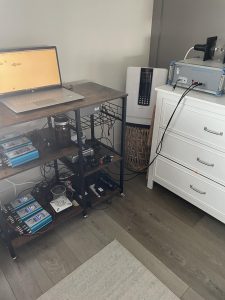
Plasma setups are larger, but with the right approach, they don’t need to dominate your room:
- Keep cables running on one side only to reduce visual clutter.
- Use approved extension cables if your space requires distance.
- Dim or cover LED lights at night to avoid sleep disturbance.
- Place the amplifier and Central on a stable table, with the tube elevated or secured.
With proper arrangement, even a Plasma system can blend into a tidy environment.
Bedroom Plasma Setup Examples
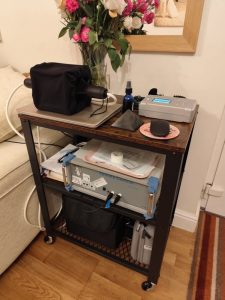
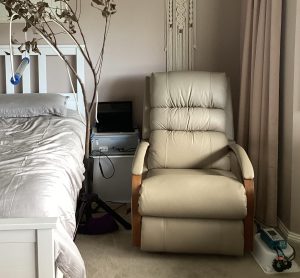
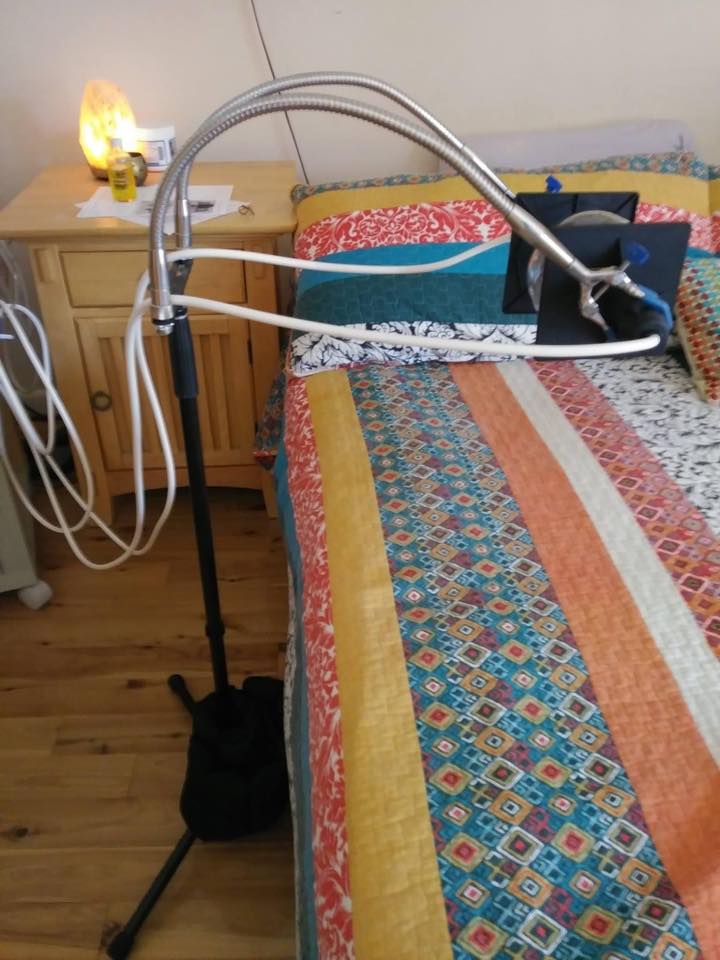
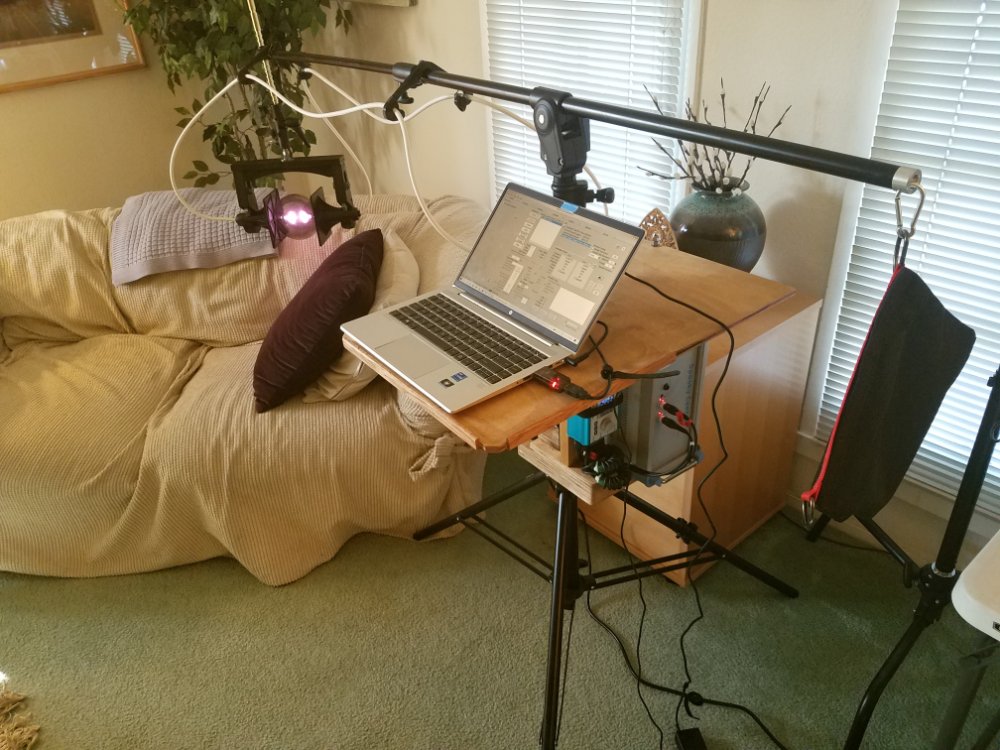
Real user photos show several effective styles:
- Bedside table setups: Central and amplifier placed on a small nightstand.
- Gooseneck microphone stand: Used to suspend the plasma tube above or beside the body without taking space on the bed.
- End-of-bed stands: The tube or phanotron is positioned facing the user from a safe distance.
These setups allow long, uninterrupted nighttime sessions.
Common Questions from New Users
1. Is EMF safe in the bedroom?
Community experience shows plasma use at night is generally well tolerated when positioned correctly.
2. Can Plasma run all night?
Yes—many users do this for chronic issues or deep healing cycles.
3. Will multiple Remotes interfere with Plasma?
No. Users routinely run several generators + Plasma simultaneously for family members.
4. Can I use longer cables to place Plasma in another room?
Extensions are possible but should follow cable guidelines to avoid signal loss.
Real Comments from Users:
“It works great for sleeping.”
“I mostly use the phanotron.”
“Use a gooseneck stand—it saves so much space.”
Why Many Families Use 5–7 Generators (or More)
A common scenario is families managing Lyme, autoimmune conditions, or chronic issues together. Example:
- A family with four members having Lyme
- A parent using night-time Plasma
- Multiple Remotes running detox, immune, or killing programs
- Different setups in the office, living room, and bedroom
Users often say they started with one generator “for themselves,”
but once they understood how much it helped, they began treating parents, partners, and children.
As one user explained:
“I started because my parents were sick… once you learn, you want to help others.”
This naturally leads to more generators, more presets, and more organized stations.
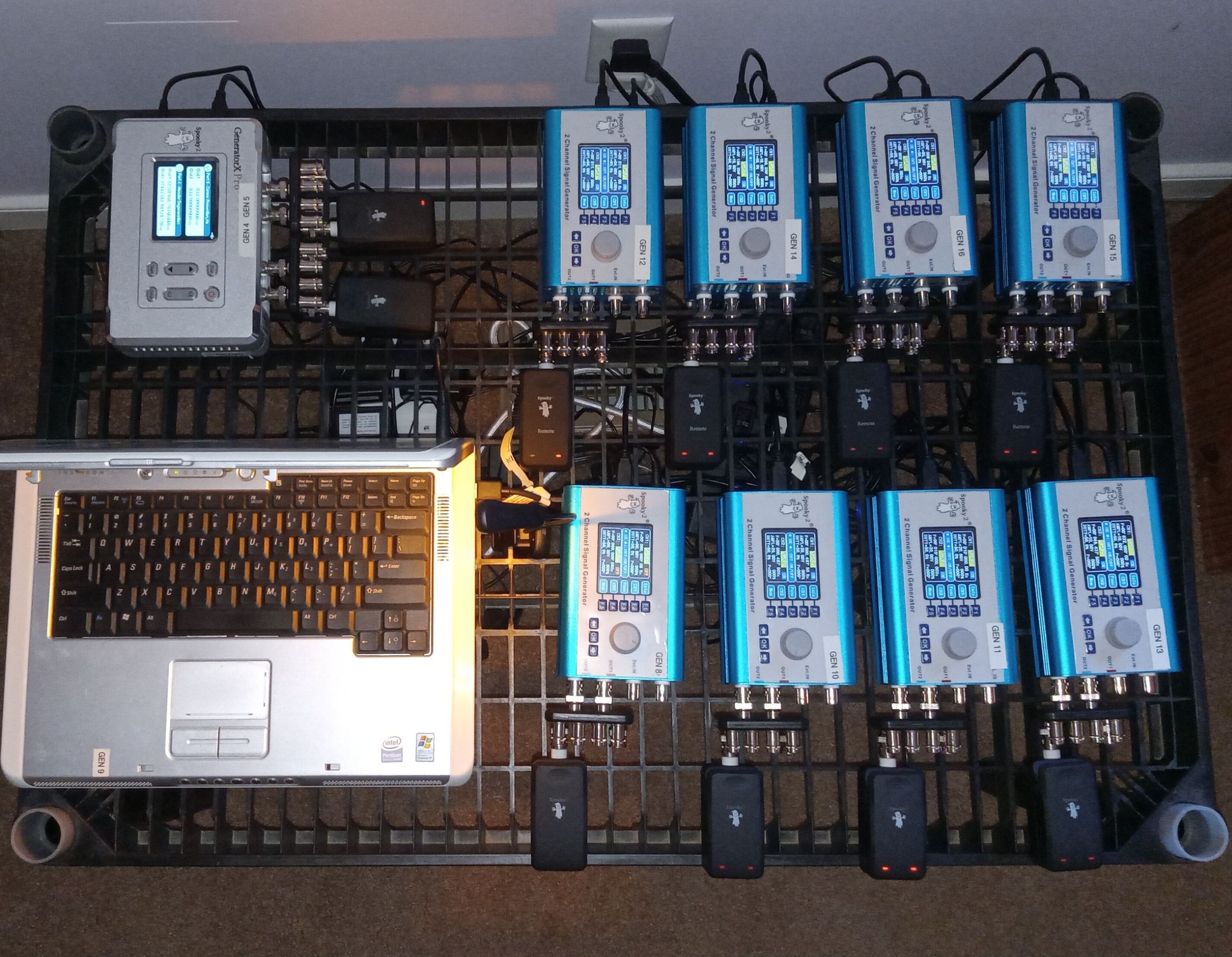
Example Multi-Zone Family Home Setup
- Office: Several generators and Remotes running long-term programs
- Bedroom: Plasma for nighttime regeneration
- Living room shelf: Extra generators for detox, immune, digestive support
- Travel kit: One compact generator for emergencies or adjustments
Real user photos show tidy multi-layer shelves holding 6–12 generators neatly.
Why People Bring Spooky2 When Traveling
From user discussions:
- “What if symptoms change and I need to switch programs?”
- “Power outage at home → no way to restart.”
- “I have 6 other Gens running but I still take a kit everywhere.”
Travel often means stress, unfamiliar environments, and unexpected symptoms—so portable support is important.
Popular Travel Setup Styles
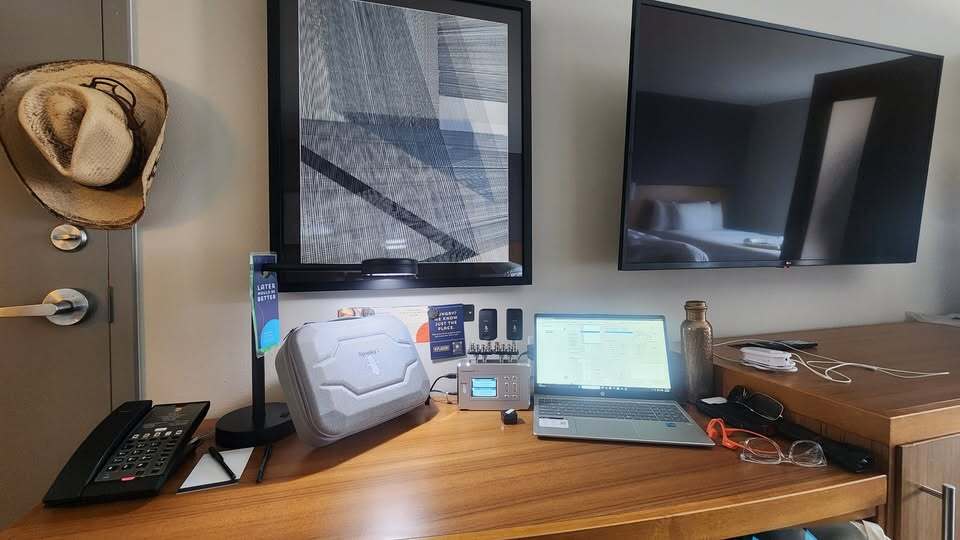
- Laptop + 1 Gen + 1 Remote (most common)
- Generator + stickers kit for pain, allergies, sleep, immunity
- MicroGen travel edition for pocket-sized programs
- Hotel bedside setups
- Car or RV setups for long road trips
Portable Spooky2 use is much easier than it looks, especially with MicroGen or a single XM/GenX Pro.
How Users Control Their Home Setup Remotely
Many users run several generators at home while traveling. Popular tools include:
- TeamViewer – the official recommendation
- Splashtop – praised for being cheaper and easier
- Remote DNA already loaded on Remotes so programs can be switched anytime
This allows full control of home generators from anywhere in the world.
